
This user manual covers the installation, operation, and technical specifications of the Euchips Walldim202 multi-function wall dim touch panel controller.
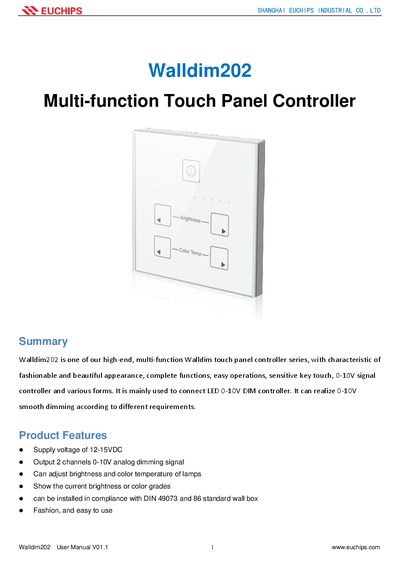
The Euchips Walldim202 is a high-end, multi-function wall dim touch panel controller designed for connecting LED 0-10V DIM controllers. It features a fashionable design and allows users to adjust brightness and color temperature via sensitive key touches. The device supports supply voltages of 12-15VDC and provides two channels of 0-10V analog dimming signals.
| Supply voltage | 12-15VDC |
|---|---|
| Output channels | 2 channel s 0-10V analog d imming signal |
| Dimensions | 86*86*26 mm(L*W*H) |
| Working temperature | -10℃ ~ 40℃ |
Short press the button to turn on or off; pressing for 5 seconds or more activates the key tone.
Use the Brightness+/Brightness- buttons for brightness and CCT+ /CCT- buttons for color temperature.
The recommended range is 12-15VDC; higher voltages may burn out the controller.