
User manual for the ENERMAX ECA3310 series case, covering product view, specifications, installation, cable connections, and cooler/VGA clearance.
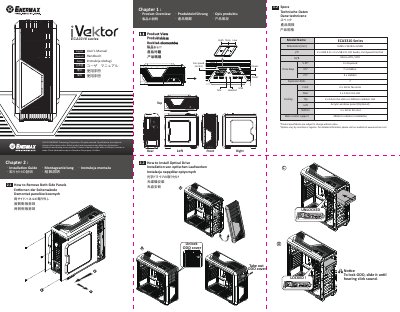
This manual covers the ENERMAX ECA3310 series case, including product views, specifications, and installation steps for side panels, drives, add-on cards, fans, and radiators.
It also describes cable connections, suggested CPU cooler height and VGA card length, and support contact information. This manual is written in Chinese.
| Dimensions | D495 x W234 x H508 mm |
|---|---|
| I/O ports | 2 x USB 3.0 + 2 x USB 2.0, HD Audio, Fan Speed Control |
| Motherboard support | Micro ATX / ATX |
| Drive bays | 3 x 5.25-inch exposed, 7 x 3.5-inch hidden, 4 x 2.5-inch hidden |
| Cooling | Front 2 x 12 cm fan slots, rear 1 x 12 cm fan slot, top 2 x 12 cm fan slots or 240 mm radiator slot |
| Water cooler support | 240 mm radiator installation |
Slide the optical drive until you hear a click sound.
On some motherboards, connectors may differ from the drawings, so check the motherboard manual before installing.
Contact your reseller or nearest ENERMAX subsidiary/agent or ENERMAX headquarter service center.