
German setup guide for EIZO FlexScan monitors covering Auto EcoView, Paper Mode, flicker-free hybrid control, and FlexStand adjustment.
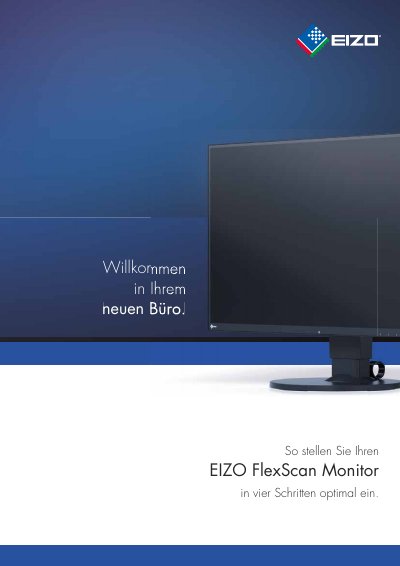
This guide helps users set up an EIZO FlexScan monitor optimally in a few steps, including automatic and manual brightness control with Auto EcoView.
It also explains Paper Mode, flicker-free EIZO Hybrid backlight control, and FlexStand positioning for an ergonomic viewing posture. This manual is written in German.
| Flicker reduction | up to 74 percent |
|---|---|
| Monitor backward tilt | up to 35° |
Press any key to open the Button Guide, touch Mode, select Paper Mode with the arrow keys, and confirm with OK.
No, it is permanently active and does not need to be switched on separately.
Touch any key, open the Eco menu, and activate or deactivate Auto EcoView.
When a view angled 35° downward meets the center of the screen.