
Chinese-language user manual for the EIZO EV2450/EV2455 color LCD monitors, covering safety, setup, adjustments, troubleshooting, and specifications.
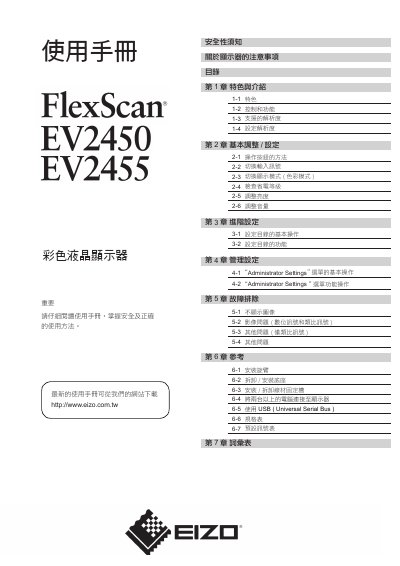
This Chinese-language user manual for the EIZO EV2450/EV2455 color LCD monitor begins with safety notices, monitor precautions, cleaning guidance, and advice for comfortable use. It then covers features and controls, supported resolutions, resolution setup, and basic adjustments such as input switching, color mode, power-save level, brightness, and volume.
The manual also explains the settings menu and Administrator Settings, troubleshooting for image and other problems, and reference procedures for arm installation, stand removal/installation, cable holder installation, connecting multiple computers, USB use, specifications, preset signal table, and glossary. This manual is written in Chinese.
| Power supply | 100-120/200-240 V AC, 50/60 Hz |
|---|---|
| Effective pixel percentage | 99.9994% or higher |
Turn off the power immediately and contact your local EIZO dealer.
It requires 100-120/200-240 V AC, 50/60 Hz.
Use a small soft cloth dampened with water to wipe dirt from the cabinet and panel surface.
Wait 30 minutes after power-on before starting to adjust the monitor.