
EIZO 27.0 Inch Color LCD Monitor User Manual

This manual provides instructions for the EIZO 27.0-inch color LCD monitor, covering features, settings, adjustments, and troubleshooting.
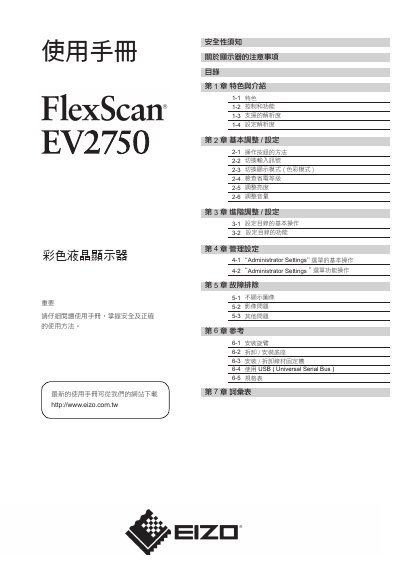

EIZO 27.0 Inch Color LCD Monitor User Manual - cover page
Brand
EIZO
Category
Monitors
Document type
User Manual
Language
Chinese
Pages
36
File format
PDF
File size
7.1 MB
Published
13 November, 2026
Updated
13 November, 2026
MD5 checksum
2D9E6A8648696F43CD9EEFA8EA3C5422

About this manual

This user manual for the EIZO 27.0-inch color LCD monitor details the product's features, controls, and supported resolutions. It guides users through basic and advanced adjustments, including brightness, volume, and display modes, as well as administrator settings. This manual is written in Chinese.

What's inside

  • Features and Introduction
  • Basic Adjustments
  • Advanced Adjustments
  • Administrator Settings
  • Troubleshooting
  • Reference Information
  • Glossary

Frequently asked questions

What is this monitor intended to be used for?

It can be used to create documents, view multimedia content, and other general purposes; it can also be used for applications such as drawing programs for measuring maps.

What electrical power does the monitor require?

It requires 100-120/200-240 V AC at 50/60 Hz.

What is the effective pixel percentage?

The effective pixel percentage is 99.9994% or higher.

How long should you wait after turning it on before adjusting it?

Wait 30 minutes after power-on before adjusting the monitor.

Download PDF (7.1 MB)

More EIZO Manuals


View all EIZO manuals →