
Quick setup guide for the DYNEX DX-NPWLMSE Wireless Optical Mouse, covering installation, use, battery replacement, cleaning, and troubleshooting.
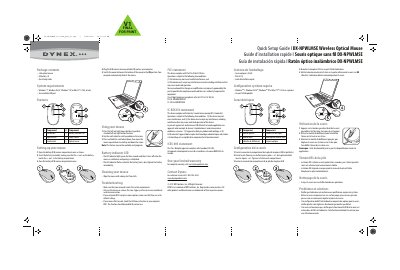
The DYNEX DX-NPWLMSE Wireless Optical Mouse is a 2.4G optical mouse that includes one AA battery and requires Windows 7, Windows Vista, Windows XP, or Mac OS X 10.4 or later and one available USB port.
The guide explains how to install the battery and USB receiver, switch the mouse on, use the buttons and scroll wheel, check the battery indicator LED, clean the mouse, and troubleshoot common issues.
| Operating system | Windows 7, Windows Vista, Windows XP, or Mac OS X 10.4 or later |
|---|---|
| USB port | One available USB port |
| Package contents | 2.4G optical mouse, AA battery (1), Quick Setup Guide |
Insert the included AA battery matching the + and - marks, close the compartment, plug the USB receiver into a USB port, and switch the power button to ON.
It lights green for three seconds when pairing is established and flashes red when the battery level is low.
The mouse needs Windows 7, Windows Vista, Windows XP, or Mac OS X 10.4 or later and one available USB port.
Wipe the mouse with a damp, lint-free cloth.