
This manual provides operating instructions, safety precautions, and technical specifications for the Digital Clamp Meter model V20A 600V.
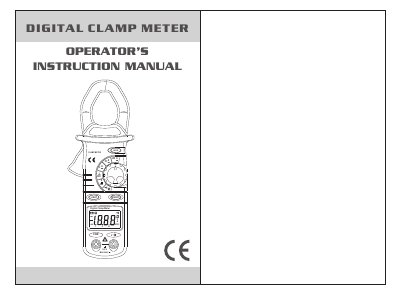
The document serves as an operator's instruction manual for the Digital Clamp Meter V20A. It covers general usage guidelines, descriptions of meter components such as the LCD display and functional keys, and detailed procedures for measuring AC current, DC voltage, AC voltage, resistance, and performing continuity tests.
| Display | 3 1/2 digits LCD display with max. reading 1999 |
|---|---|
| Battery | DC 1.5V X 2 SIZE AAA |
| Max opening dimension of transformer jaws | φ28mm |
| Weight | about 200g (with battery) |
Hold the LIGHT key for 3 seconds to turn the backlight on.
A specific symbol will display on the LCD when the voltage is lower than normal operating voltage.
The inbuilt buzzer will alarm continuously.