
The Dell WB7022c network camera user guide provides an overview, packaging contents, installation steps, features, specifications, and troubleshooting.
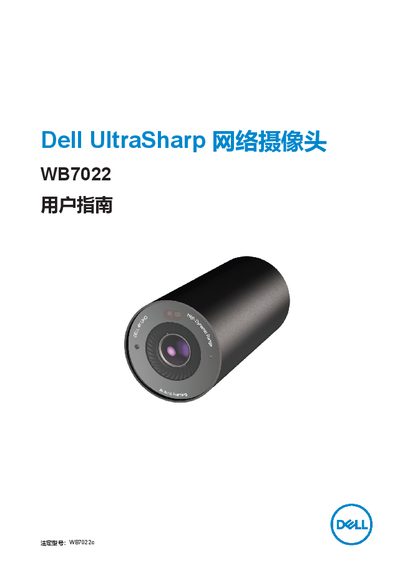
The Dell WB7022c is a network camera in Dell's UltraSharp peripheral series, offering 4K video, AI auto‑framing, HDR, and Windows Hello support. This guide explains the camera’s functions and how to customize settings with Dell Peripheral Manager.
The manual includes a packaging list, detailed instructions for mounting the camera on a monitor or tripod, a feature summary, technical specifications, a section on Dell Peripheral Manager, common questions, troubleshooting tips, legal information, and contact details for support. This manual is written in Chinese.
| Data Port | USB 3.1 Gen 1 (USB‑C) |
|---|---|
| Video Formats | 4K UHD 30 fps, Full HD 30/60 fps, HD 30/60 fps |
| Field of View | 65° / 78° / 90° |
| Digital Zoom | 5× |
| HDR and Auto White Balance | Supported |
| LED Indicator | On when in use, off when idle |
| Supported Operating Systems | Windows 10 (64‑bit), Windows 11 (64‑bit) |
| Maximum Operating Temperature | 40 °C |
Open Dell Peripheral Manager, go to the Color and Image section, and turn off the HDR toggle.