
User manual for the D-Link DWA-140 RangeBooster N USB Adapter, covering installation, wireless configuration, security, and troubleshooting.
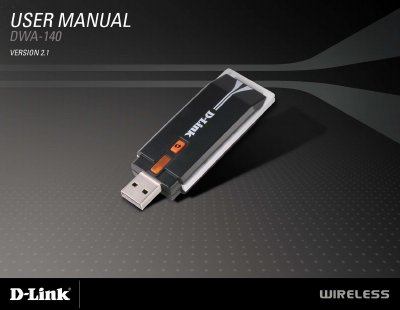
The D-Link DWA-140 RangeBooster N USB Adapter is a wireless connectivity solution for desktop or notebook PCs. The manual covers package contents, system requirements, hardware overview, installation, configuration with the D-Link Wireless Connection Manager, wireless security, troubleshooting, and technical specifications.
The adapter connects through a USB port and supports Draft 802.11n, 802.11g, and 802.11b. It includes a WPS button and supports WPA/WPA2 encryption for wireless network security.
| Standards | IEEE 802.11n (draft), IEEE 802.11g, IEEE 802.11b, USB 2.0 |
|---|---|
| Frequency range | 2412 to 2462 MHz (North America) |
| Data rates | 802.11n: 30/60/90/120/180/240/270/300 Mbps; 802.11g: 6/9/12/18/24/36/48/54 Mbps; 802.11b: 1/2/5.5/11 Mbps |
| Security | 64/128-bit WEP, WPA, WPA2 |
| Antennas | Two integrated antennas |
| Operating voltage | 5VDC +/- 10% |
| Power consumption (802.11n) | TX: 460mA; RX: 240mA |
| Dimensions | 87 x 28 x 12 mm |
| Operating temperature | 0º to 40º C |
The adapter supports Windows Vista, Windows 2000 Service Pack 4, and Windows XP Service Pack 2.
It supports WPA and WPA2 encryption to help protect wireless communications.
It automatically connects to a WPS-enabled wireless router or access point to establish connectivity.
It requires a computer or laptop with an available USB 2.0 port.