
This quick installation guide will guide you to quickly and correctly complete the DIR-825 hardware installation and related settings, please read this manual carefully.
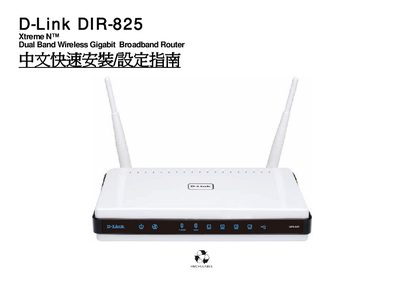
The guide walks you through the physical installation of the DIR‑825 router, describing panel LED indicators, rear‑panel ports, power connection, and Ethernet wiring. It also explains how to connect the router to your ISP modem and attach computers or other devices to the LAN ports.
After the hardware is in place, the manual covers the initial software setup, including Internet connection settings, wireless security configuration, WPS quick‑connect, and using the SharePort software. Appendices provide firmware‑update instructions and the RJ‑45 wiring standard (EIA/TIA‑568A/B). This manual is written in Chinese.
| Power input | DC 12 V / 2 A |
|---|---|
| AC input voltage range | 100‑240 V 0.5 A |
| Auto MDI‑IX support | Yes (LAN and WAN ports) |