
Quick installation guide and troubleshooting for the D-Link DWA-131 Wireless N Nano USB Adapter, including setup wizard usage and connection issues.
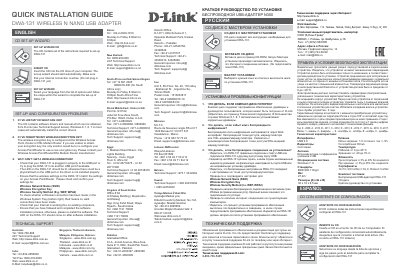
This document serves as a Quick Installation Guide for the D-Link DWA-131 Wireless N Nano USB Adapter. It provides instructions on using the setup wizard CD and outlines steps for common configuration problems, such as lost drivers or forgotten encryption keys. The guide is available in multiple languages, including Russian, English, and Spanish. This manual is written in Russian.
| Operating System | Windows 7, 8 |
|---|---|
| Dimensions | 30 x 16 x 8.5 mm |
The CD contains software drivers and manual which can be obtained from D-Link. Windows 8.1, 8, 7 in most cases will automatically install the correct drivers.
The wireless encryption key is configured at the Wireless Access Point, Router or DSL Modem Router. If you are unable to obtain your encryption key, the only solution would be to re-configure your Access Point/Router to use a new encryption key.
Check that the DWA-131 is plugged in properly, the LED is lit, and wireless settings match the Access Point/Router. Ensure the software installation process is completed.