
D-Link DAP-1650 Wireless AC1200 Dual Band Gigabit Range Extender Quick Install Guide

Quick installation guide for the D-Link DAP-1650 Wireless AC1200 Dual Band Gigabit Range Extender, covering setup, connections, and configuration.
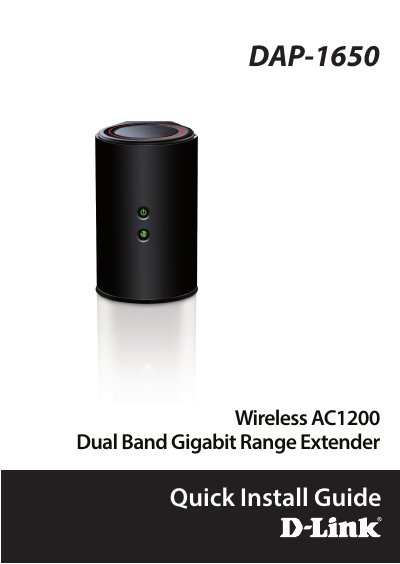

D-Link DAP-1650 Wireless AC1200 Dual Band Gigabit Range Extender Quick Install Guide - cover page
Brand
D-Link
Category
Wireless connection
Document type
Quick Start Guide
Language
English
Pages
16
File format
PDF
File size
1.9 MB
Published
16 November, 2026
Updated
16 November, 2026
MD5 checksum
218227A2BA18D8741482068BACB6A273

About this manual

This document is a Quick Install Guide for the D-Link DAP-1650 Wireless AC1200 Dual Band Gigabit Range Extender. It provides step-by-step instructions for connecting the device to a wireless router using WPS or a web browser, and for connecting wireless devices to the extender. The guide also lists system requirements and package contents.

What's inside

  • Product Overview
  • LED Status Description
  • Connections
  • Connect to Your Router Using WPS
  • Connect Your Wireless Devices
  • Configure the DAP-1650 Using a Web Browser
  • Wi-Fi Connection Setup Wizard

Specifications

Default IP Address192.168.0.50
Power Requirement12V 2A

Frequently asked questions

How do I connect the DAP-1650 to my router using WPS?

Plug in the DAP-1650 and wait until the Power LED is solid green, then press the WPS button on your wireless router, followed by the WPS button on the DAP-1650 within one minute.

What is the default login for the DAP-1650 web configuration?

The username is 'Admin' and the password field should be left blank.

Download PDF (1.9 MB)

More D-Link Manuals


View all D-Link manuals →