
User guide for D-Link's AC750 Plus Wi-Fi range extender, covering setup, configuration, and troubleshooting.
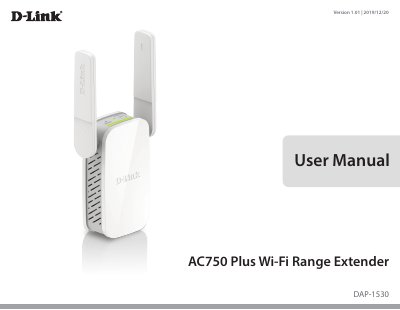
This manual provides step-by-step instructions for installing and configuring the D-Link DAP-1530 AC750 Plus Wi-Fi Range Extender. It includes hardware overview, wireless setup via WPS or web interface, network configuration, and troubleshooting tips. The device extends Wi-Fi coverage using 802.11ac technology, supports WPA/WPA2 security, and can be set up as an access point or repeater. This manual is written in Chinese.
| Wireless Standards | IEEE 802.11ac, 802.11a, 802.11n, 802.11g, 802.11b |
|---|---|
| Wireless Frequency Range | 2.4 GHz to 2.4835 GHz, 5.18 MHz to 5.85 MHz |
| Maximum Power Consumption | 7.5 W |
| Operating Temperature | 0 to 40 ˚C (32 to 104 ˚F) |
| Dimensions | 50 x 97 x 48 mm |
| Weight | 139 grams (4.9 ounces) |
Press the WPS button on the extender and then press the WPS button on your router within 2 minutes to establish a connection.
Up to 1200 Mbps with other 802.11ac wireless devices.
Yes, connect an Ethernet cable to the LAN port to create a wireless access point.
It supports WPA/WPA2 and WEP 64/128-bit encryption for wireless security.