
User manual for Coolmay TK series touch screens covering features, specifications, hardware interfaces, and software setup.
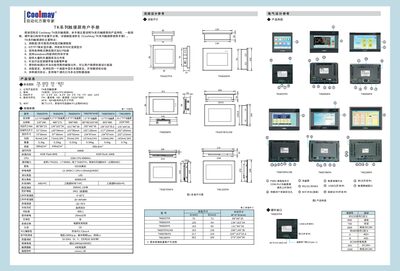
The Coolmay TK series touch screens provide high‑resolution TFT displays, resistive touch panels, and support for multiple communication protocols. This manual describes product features, general specifications, hardware interfaces, and software configuration methods.
It also includes installation dimensions, electrical design references, and detailed wiring diagrams for connecting the screens to various PLC brands such as Mitsubishi, Siemens, Omron, and others. Safety precautions and recommended power settings are provided to ensure reliable operation. This manual is written in Chinese.
| CPU | 32‑bit 408 MHz |
|---|---|
| Display size | 3.5" TFT LCD (others up to 10.1") |
| Power consumption | 85 mA @ 24 V |
| Ingress protection | IP65 (front panel) |
The recommended power supply voltage is DC 24 V.
Yes, Wi‑Fi is optional for all models except the 3.5‑inch version.
The screens are programmed with Coolmay mView version 1.38.