
The Coolmay SCADA software manual explains the online simulation feature, setup steps, and network configuration for PLC communication.
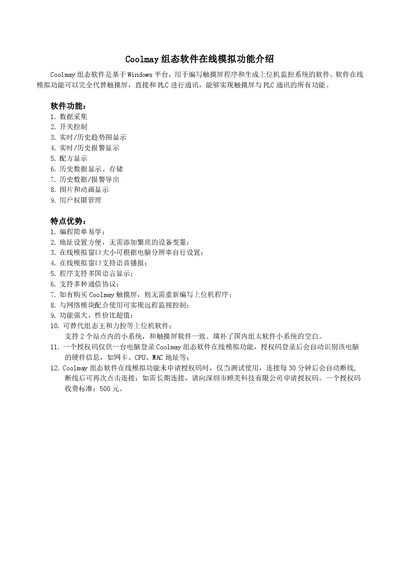
Coolmay SCADA software is a Windows‑based application for creating touch‑screen programs and supervisory control systems. Its online simulation function can fully replace a physical touch screen, allowing direct communication with PLCs and providing features such as data acquisition, alarm handling, trend charts, recipe management, and user permissions.
The manual details how to compile a screen program, configure the simulation connection (IP set to localhost, COM port selection), and use an authorization code to enable local or remote PLC monitoring. It also covers network setup for LAN and WAN, including virtual port forwarding on routers and remote IP configuration. This manual is written in Chinese.
| Operating System | Windows platform |
|---|---|
| Supported Languages | Multiple languages |
| Maximum Sites Supported | 2 sites |
The connection will work for testing only and will automatically disconnect after 30 minutes; you can reconnect, but a permanent connection requires purchasing an authorization code.