
Technical manual for the Coolmay CX-4G cellular module covering hardware, parameters, and configuration steps.
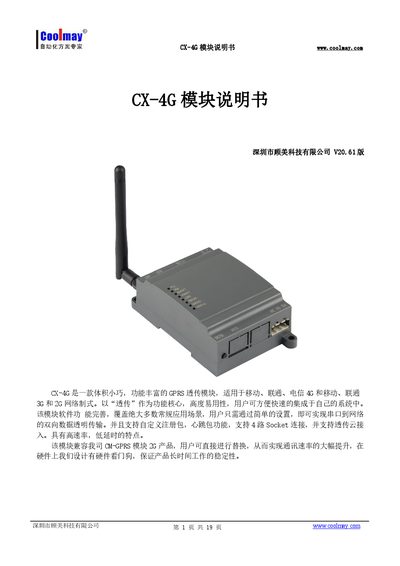
The CX-4G is a compact GPRS/4G transparent transmission module that supports 2G/3G/4G networks and up to four simultaneous socket connections. It runs on an embedded Linux system and offers features such as custom registration packets, heartbeat packets, and cloud transmission mode.
The manual provides detailed hardware descriptions, indicator functions, product specifications, serial port settings, and step‑by‑step procedures for network transparent mode, HTTPDClient mode, and virtual serial port configuration, as well as information on an optional lithium‑battery accessory. This manual is written in Chinese.
| Wireless Standards | TDD‑LTE, FDD‑LTE, WCDMA, TD‑SCDMA, GSM/GPRS/EDGE |
|---|---|
| Transmit Power (TDD‑LTE) | +23 dBm |
| Operating Voltage | DC5V~30V |
| Operating Temperature | -20℃ to 70℃ |
| Dimensions | 65×90×36 mm |
| Maximum TCP Connections | 4 |
| Socket Connections | 4 independent sockets (A‑D) |
| Serial Baud Rates | 300‑230400 bps |
The CX-4G supports four independent socket connections (SocketA, SocketB, SocketC, SocketD).
It operates from DC5 V up to DC30 V.
Send the AT command `AT+WKMOD=NET` to switch to network transparent mode, then configure the desired socket with commands such as `AT+SOCKAEN=ON` and `AT+SOCKA=TCP,