
Quick installation and setup guide for the Comtrend WAP-EN300C N300 Ceiling Mount Access Point, including hardware overview and configuration.
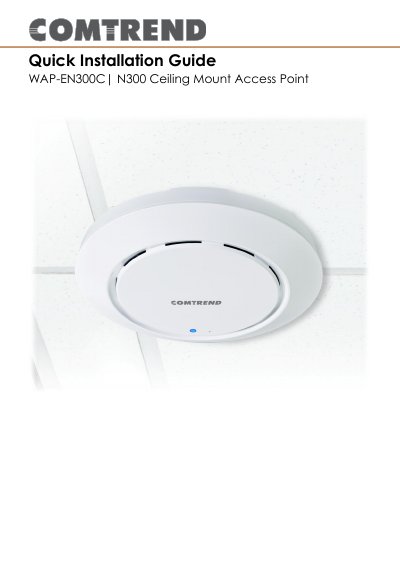
The Comtrend WAP-EN300C N300 is a ceiling mount wireless access point designed for network expansion. It supports both standard DC power via a power adapter and Power over Ethernet (PoE) for flexible installation options.
The device features a browser-based configuration interface for managing settings such as LAN IP, 2.4GHz SSID, security, MAC filtering, and VLAN configurations. It can be mounted directly to a ceiling or a drop ceiling rail.
| Default IP Address | 192.168.2.1 |
|---|---|
| Default Username | admin |
| Default Password | admin |
Press and hold the reset button on the access point for at least 10 seconds, then release it.
Purple means the device is starting up, Blue means it is on, and flashing Amber indicates an error.
Yes, if using a PoE (Power over Ethernet) switch, the access point will be powered by the switch.