
Quick installation guide for Comtrend's 24-port gigabit Ethernet smart-lite switch with setup steps and LED indicators.
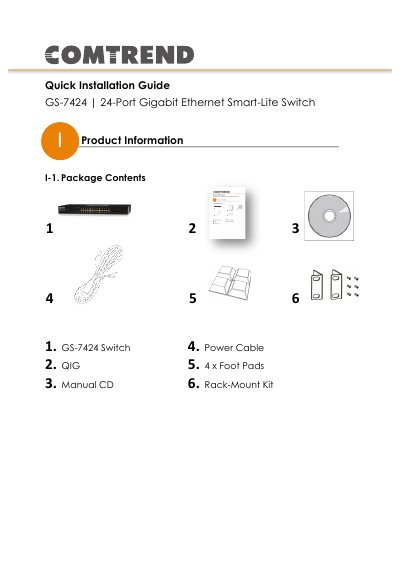
This guide provides step-by-step instructions for installing and configuring the GS-7424 switch. It covers hardware overview, LED indicators, desktop and rack-mount installation, and quick setup using a web browser. The switch supports 24 RJ-45 ports and 4 SFP ports, with automatic link rate adjustment.
To configure, connect the switch to power and end devices using Cat 5/5e cables. Access the web interface at 192.168.169.1 with default credentials 'admin/admin'. This manual is written in Chinese.
| Ports | 24 x 10/100/1000Mbps RJ-45 Ports |
|---|---|
| SFP Ports | 4 x SFP Ports |
| Default IP Address | 192.168.169.1 |
| Default Username | admin |
Use a standard Cat 5/5e Ethernet cable to connect the switch to end devices. Switch ports automatically adjust to the link rate of the connected device.
The default IP address is 192.168.169.1.
The default username and password are both 'admin'.