
This manual provides information related to the installation and operation of this AC750 Dual-Band Wireless Router. The individual reading this manual is presumed to have a basic understanding of home networking terminology and concepts. If you find the product to be inoperable or malfunctioning, please contact technical support for immediate service by email at [email protected]. For product updates, new product release, manual revision, or software upgrades, please visit our website at http://www.comtrend.com
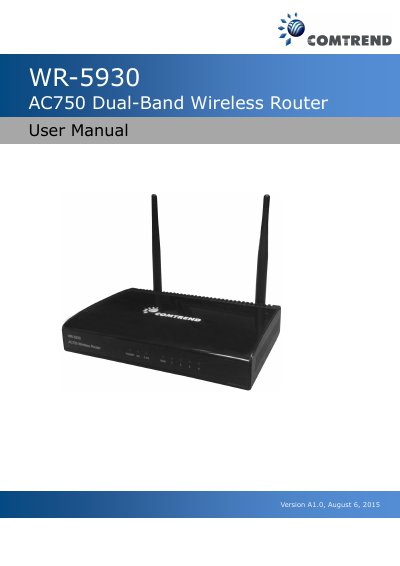
The Comtrend WR-5930 AC750 Dual-Band Wireless Router is designed for small office/home office users to share a single xDSL or cable modem Internet connection. It supports simultaneous 2.4GHz and 5GHz wireless devices with high throughput up to 300Mbps+ 433Mbps, featuring four wired LAN ports (10/100M) and one WAN port.
| Wireless Standards | IEEE 802.11 a/b/g/n/ac |
|---|---|
| Wireless Throughput | up to 300Mbps+ 433Mbps |
| Wired Ports | Four LAN ports and one WAN port |
| Power Input | AC 100 – 240V, 50/60Hz |
| Power Adapter Output | DC 5V/1.5A |
Click 'Tool' then 'Reset' in the web interface and apply, or press the Reset/WPS button for over 10 seconds.
Check power and network cable connections, ensure correct IP address range usage, or restore to factory default settings.
Yes, it supports both 2.4GHz and 5GHz wireless devices at the same time.