
This document is a Quick Installation Guide for the GS-7605 5-Port PoE Gigabit Ethernet Smart-Lite Switch. It provides information on the hardware overview, LED indicators, desktop installation, and quick setup of the product.
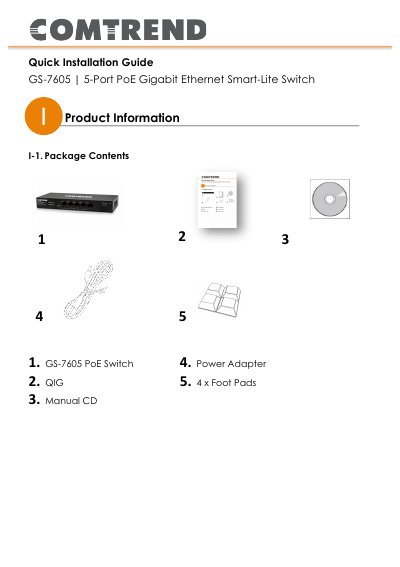
This document serves as a Quick Installation Guide for the Comtrend GS-7605 5-Port PoE Gigabit Ethernet Smart-Lite Switch. It details the package contents, including the switch unit, power adapter, and foot pads, and provides an overview of the front and rear panel hardware.
| Ports | 5 x 10/100/1000Mbps RJ-45 Ports |
|---|---|
| PoE Capability | Ports 1-4 are PoE Capable |
| Default IP Address | 192.168.169.1 |
| Default Password | admin |
The default IP address is 192.168.169.1.
The default password is admin.
Ports 1 through 4 are PoE capable.