
This document is the user manual for the CT-5365 ADSL2+ Wireless Router, providing information on the installation, operation, and application of this device. The individual reading this manual is presumed to have a basic understanding of telecommunications terminology and concepts. If the product is found to be inoperable or malfunctioning, please contact technical support for immediate service by email at [email protected]. For product updates, new product releases, manual revisions, or software upgrades, please visit our website at http://www.comtrend.com.
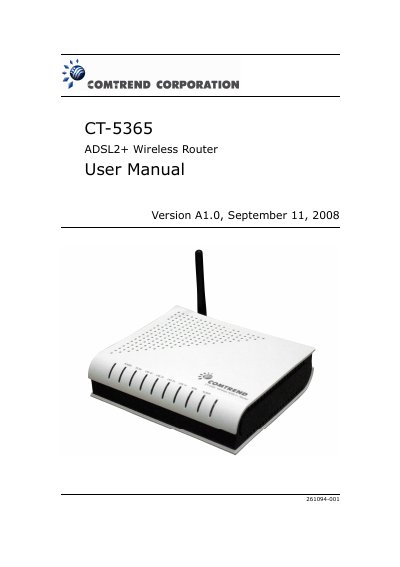
This manual covers the Comtrend CT-5365 ADSL2+ router, a 802.11g wireless and wired device with four Ethernet ports, an ADSL2+ port, and built‑in Wi‑Fi access point. It includes safety guidelines, hardware installation steps, and detailed configuration of wireless, LAN, and WAN features.
The document also describes advanced settings such as virtual servers, QoS, VPN pass‑through, and security functions, plus specifications, LED indicators, and troubleshooting information.
| Power Supply Input | 110 Vac or 240 Vac |
|---|---|
| Operating Temperature | 0 ~ 50 °C |
| Relative Humidity | 5 ~ 95% (non‑condensing) |
| Dimensions (W×H×D) | 205 mm × 47 mm × 145 mm |
| Certifications | FCC Part 15 class B |
Press and hold the Reset button until the front panel LEDs blink simultaneously (about 5 seconds).
Enable SSH access from the router’s web UI for LAN or WAN, then use an SSH client (e.g., ssh or PuTTY) to connect.