
User manual for the Cisco Catalyst 3560 Series Switch, covering configuration, security, QoS, and management features for small business environments.
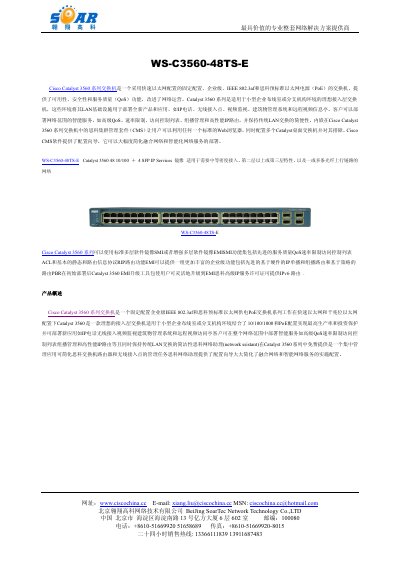
This document provides a user manual for the Cisco Catalyst 3560 Series Switch, specifically the WS-C3560-48TS-E model. It describes the switch as a fixed-configuration, enterprise-class device designed for small business wiring closets or branch office environments. The switch supports Fast Ethernet and Gigabit Ethernet configurations, offering availability, security, and Quality of Service (QoS) features to improve network operations. This manual is written in Chinese.
| Ports | 48 Ethernet 10/100 ports, 4 SFP Gigabit Ethernet ports |
|---|---|
| Power Supply | IEEE 802.3af and Cisco Pre-standard Ethernet Power (PoE) |
| Software Images | Standard Multilayer Software Image (SMI) or Enhanced Multilayer Software Image (EMI) |
It is ideal for small business wiring closets or branch office environments.
Yes, it supports IEEE 802.3af and Cisco Pre-standard Ethernet Power (PoE).