
This user manual provides installation, setup, and usage instructions for the Chimei 95NA 22NA wide screen LCD monitor, including OSD menu operations and…
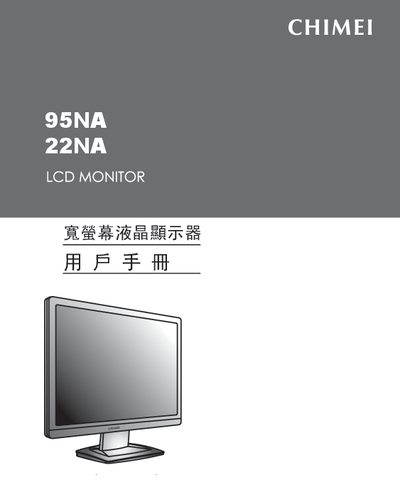
This document is the user manual for the Chimei 95NA 22NA wide screen LCD monitor. It covers essential safety precautions, installation steps, and power connection guidelines. The manual details how to unpack the device, connect signal and power cables, and properly position the monitor for optimal viewing. This manual is written in Chinese.
| Power Consumption (Start) | <25W |
|---|---|
| Power Consumption (Standby) | <1W |
| Horizontal Frequency | 31 ~ 82KHz |
| Vertical Frequency | 56 ~ 76Hz |
Ensure settings do not exceed 18.5" 1366X768@60Hz or 21.5" 1920 x 1080@ 60Hz.
Press any function key to start the OSD, then use the arrow keys to navigate and the Enter key to confirm.
The blue LED indicates that the monitor is in operation.