
This manual describes the use of multimedia LCD monitors, common problems and solutions.
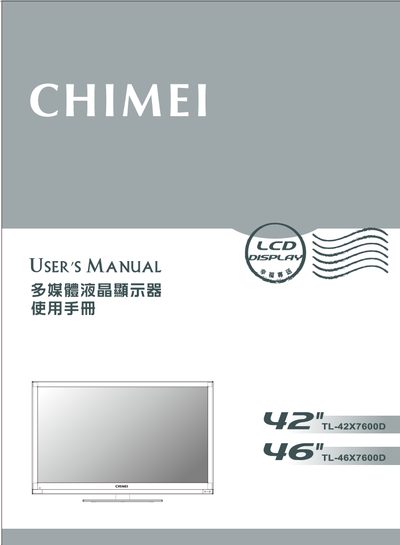
This manual explains important safety precautions for the CHIMEI multimedia LCD monitor, including proper handling of power cords, ventilation requirements, and protection against water, fire and electrical hazards. It also details how to install the unit safely, connect accessories, and secure the monitor to prevent tipping.
The guide covers basic operation such as using the control panel buttons, light‑sensor functions, common channel selection, CEC features, and U‑Link functions including media playback, PVR recording, and supported file formats. Maintenance advice, cleaning procedures, and service instructions are provided to keep the display in good condition. This manual is written in Chinese.
| Supported Audio Sample Rates | 32, 44.1, 48 kHz |
|---|---|
| Supported Video Resolution | Up to 7680 x 4320 pixels |
No, you should not attempt self‑repair; contact an authorized dealer or qualified service technician.
Use the anti‑tip screws and brackets provided, and secure the monitor to a stable surface as described in the manual.