
This document is the user manual for a multimedia LCD monitor, including important safety instructions, cleaning and maintenance matters, repair service matters, operation methods, connection interfaces, and remote control usage.
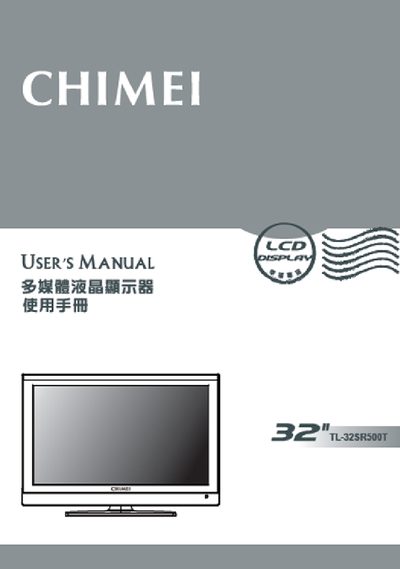
This manual begins with important safety instructions, including keeping the monitor away from water, heat sources, and using only the manufacturer‑specified accessories and mounting hardware. It also details proper handling, cleaning, and disposal procedures to prevent electric shock and damage to the LCD panel.
The later sections cover power requirements, connection options (AV, HDMI, VGA, audio), LCD panel characteristics, and detailed specifications. Installation, adjustment, and troubleshooting guidance are provided, along with warranty and customer‑support contact information. This manual is written in Chinese.
| Screen Size | 31.51" diagonal (760 mm × 450 mm) |
|---|---|
| Aspect Ratio | 16:9 |
| Maximum Resolution | 1366 × 768 |
| AV Composite Input | 1 RCA |
| HDMI Input | HDMI 1/2/3 (supports 1080p) |
| VGA Input | RGB (D‑sub 15‑pin) + audio |
| Input Voltage | 110 V~, 1.1 A max, 60 Hz |
| Maximum Power Consumption | <100 W |
| Built‑in Speaker Power | 5 W × 2 |