
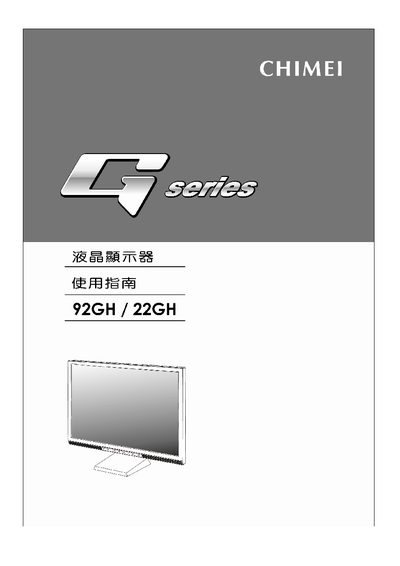
This manual introduces the Chimei G Series 92GH/22GH LCD monitor, covering safety precautions, installation steps, and basic operation. It explains the on‑screen display (OSD) menu, power requirements, and warranty information.
The guide details all connection options—including VESA‑compatible mounting, D‑Sub, DVI, HDMI, and USB 2.0 ports—and lists the full technical specifications such as resolution, response time, contrast ratio, viewing angle, dimensions, and power consumption.
| Screen size (WxHxD) | 473.7 mm × 296.1 mm × 202 mm |
|---|---|
| Maximum resolution | 1680 × 1050 @ 60 Hz |
| Response time | 5 ms (fast) / 2 ms (over‑drive) |
| Power input | AC 100‑240 V, 50‑60 Hz |
| Power consumption (typical) | < 60 W |
| Standby power consumption | < 2 W |
| USB ports | USB 2.0, 4‑port |
| VESA mounting | VESA Plug and Play |
The monitor provides D‑Sub, DVI, HDMI, and a 4‑port USB 2.0 connector.
The monitor consumes less than 60 W during normal operation.