
User manual for a wide-screen LCD monitor covering safety, installation, operation, OSD settings, and troubleshooting.
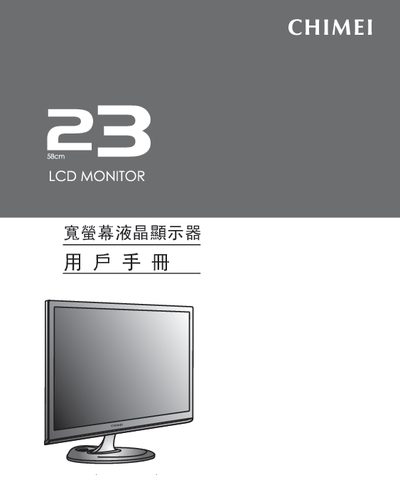
This manual provides safety precautions, installation steps, power connection instructions, and maintenance guidelines for a wide-screen LCD monitor. It also explains how to transport the monitor safely and what is included in the packaging.
The guide details the on‑screen display (OSD) functions, hotkey usage, and how to adjust picture settings such as brightness, contrast, color temperature, and input source. Troubleshooting tips and full technical specifications are included in the later sections. This manual is written in Chinese.
| Panel size | 509 mm × 286 mm |
|---|---|
| Power supply | 100~240 V, 50/60 Hz, 1.2 A |
| Power consumption (active) | < 36 W |
| Power consumption (standby) | < 1 W |
| Dimensions (W × H × D) | ≈ 549.2 mm × 404.2 mm × 194.6 mm |
Use the OSD brightness setting, accessed via the OSD menu and adjusted with the corresponding control keys.
Check that the monitor is turned on, verify the power cable is connected, ensure the video cable is securely attached to both the monitor and the computer, and confirm the computer's display settings match the supported resolution and refresh rate.
Use the power cable supplied with the monitor and ensure it matches the local voltage standards.
Press the function key for the theme mode in the OSD menu and select the desired mode from the list.