
Casio XJ-S35 Projector User's Guide

This user guide covers the setup, operation, maintenance, and troubleshooting of the Casio XJ-S35 projector.
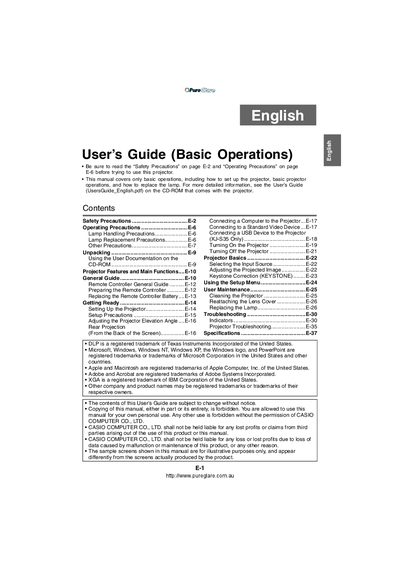

Casio XJ-S35 Projector User's Guide - cover page
Brand
Casio
Category
Projector
Document type
User Manual
Language
English
Pages
37
File format
PDF
File size
1.9 MB
Published
15 October, 2026
Updated
15 October, 2026
Model
XJ-S35
MD5 checksum
A672F8C2A20E1E6E29B061D4268FE8A6

About this manual

The document provides instructions for unpacking, setting up, and connecting the Casio XJ-S35 projector to various input sources such as computers and standard video devices. It details how to turn the unit on and off, select input sources, adjust the projected image using keystone correction, and use the setup menu.

What's inside

  • Safety Precautions
  • Operating Precautions
  • Lamp Handling
  • Unpacking
  • Setting Up the Projector
  • Connecting Devices
  • Turning On/Off
  • Adjusting Image
  • User Maintenance
  • Troubleshooting

Frequently asked questions

What is the minimum distance required between the projector and walls?

You must allow at least 30cm (11.8 inches) of space between the projector and walls.

What happens if you look directly into the lens while the lamp is on?

Looking directly into the lens creates a risk of eye damage due to strong light.

What specific action must be taken before cleaning the projector?

You must turn off and unplug the projector from the power outlet to avoid electric shock.

Download PDF (1.9 MB)

More Casio Manuals


View all Casio manuals →