
This manual describes how to use the CASIO EXILIM digital camera.
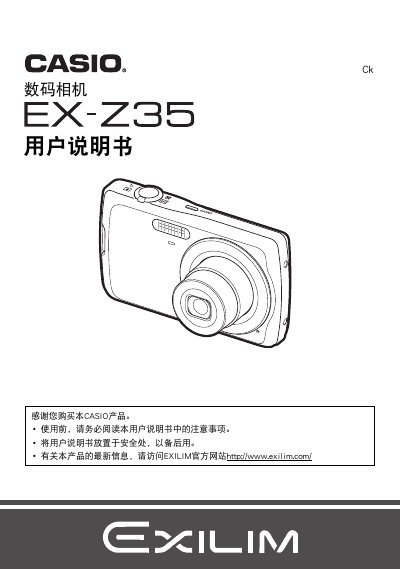
This is the user manual for the Casio EX-Z35 digital camera, an EXILIM model made by Casio Computer Co., Ltd. It lists the supplied items, including the camera, NP-82 rechargeable battery, BC-81D charger, strap, USB cable, CD-ROM, and basic guide, and explains how to install the battery and strap.
The manual covers quick start, battery charging, memory card use, shooting modes such as BEST SHOT and easy mode, viewing and deleting images, printing via PictBridge and DPOF, connecting to Windows and Macintosh computers, Eye-Fi cards, camera settings, troubleshooting, and specifications for the battery and charger. This manual is written in Chinese.
| Battery rated capacity | 710 mAh |
|---|---|
| Charger input power source | 100 to 240 V AC |
| Charger output power source | 4.2 V DC, 300 mA |
| Charging time | 210 minutes |
Charging takes 210 minutes.
Yes, video files can be uploaded to YouTube.