
This manual covers the operation, installation, and maintenance of Casio XJ-A series data projectors featuring DLP technology and hybrid light sources.
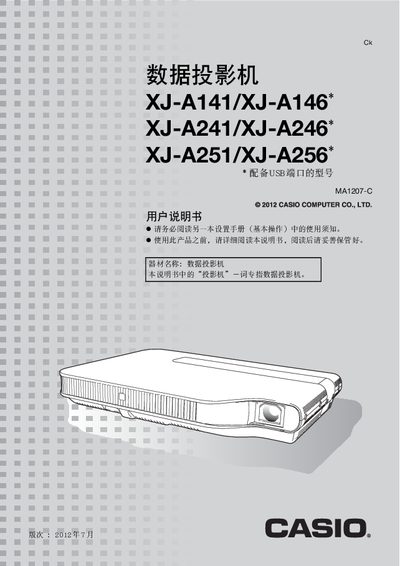
This user manual provides instructions for operating the Casio XJ-A141/XJ-A146, XJ-A241/XJ-A246, and XJ-A251/XJ-A256 data projectors. It details setup procedures including connecting various input sources such as HDMI, VGA, USB, and AV cables. The guide also explains how to adjust image settings like brightness, focus, keystone correction, and color modes using the remote control or projector buttons.
The document further covers maintenance tasks such as cleaning the lens and ventilation ports, troubleshooting common issues indicated by status lights, and understanding technical specifications including ANSI lumens (2500-3000) and DLP projection technology. It includes specific notes on Eco mode for energy saving and pointer functionality. This manual is written in Chinese.
| Light Source | Laser and LED hybrid |
|---|---|
| Brightness (XJ-A141/XJ-A146) | 2500 ANSI Lumens |
The XJ-A141 and XJ-A146 models have a brightness of 2500 ANSI lumens.
Yes, you can use the MobiShow app on a smartphone or tablet to project images and presentation files wirelessly.
Yes, you can directly connect USB drives or save presentations to the built-in USB memory for projection without a computer.