
This Casio operation guide explains how to set time, use alarms, stopwatch, countdown timer, world time and illumination on the 5612/5613 digital watch.
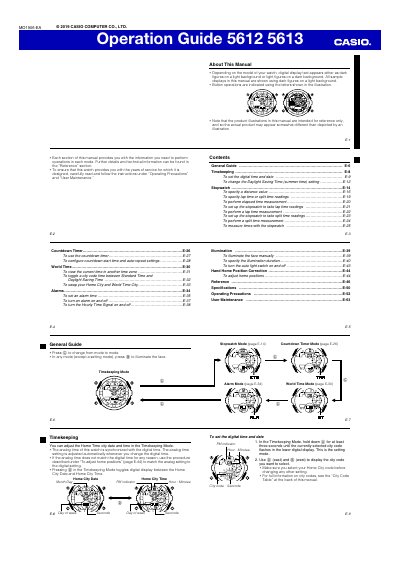
The Operation Guide provides step‑by‑step instructions for all functions of the Casio 5612 and 5613 digital watches, including timekeeping, alarms, stopwatch, countdown timer, world time and illumination. Each mode is described with button sequences and settings adjustments.
The manual also covers general guidance such as illumination settings, daylight‑saving time, home‑position correction, operating precautions and user maintenance. Reference tables for city codes and specifications are included at the back of the guide.
| Stopwatch display range | 99 hours, 59 minutes, 59.999 seconds |
|---|---|
| Distance value range | 0.1 to 99.9 |
| Maximum speed indication | 1998 |
Press B in any mode to manually illuminate the face, or enable the auto light switch for automatic illumination when the watch is angled toward your face.