
This manual provides detailed instructions for using the Casio E-R200 electronic dictionary, covering dictionary lookup, text input, study features, and…
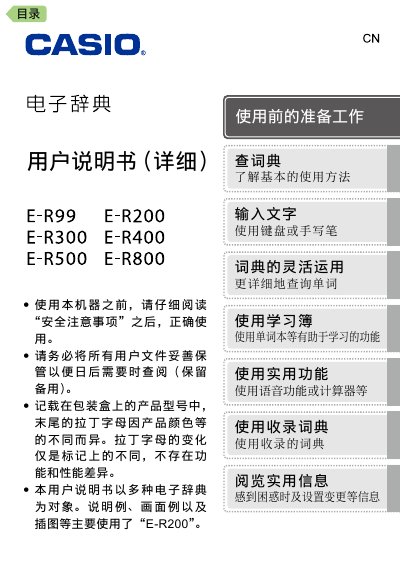
This user manual provides comprehensive instructions for operating the Casio E-R200 electronic dictionary. It covers essential topics such as safety precautions, initial setup, and basic operations like turning the device on and off. The guide explains how to use the touch screen and keyboard to input text and perform dictionary lookups in various languages including English and Chinese. This manual is written in Chinese.
| Screen | 800x480 dot TFT color LCD |
|---|---|
| Power Consumption | 1.0W |
| Battery Type | 2 AA alkaline dry batteries |
| Calculator Function | 12-digit, four arithmetic operations |
The device supports 2 AA alkaline dry batteries.
Yes, the device has a USB power supply function and can be powered by a computer via USB.