
This operation guide provides instructions for using the Casio 3194MA0905-EB watch, covering timekeeping, world time, alarms, timers, stopwatches, and…
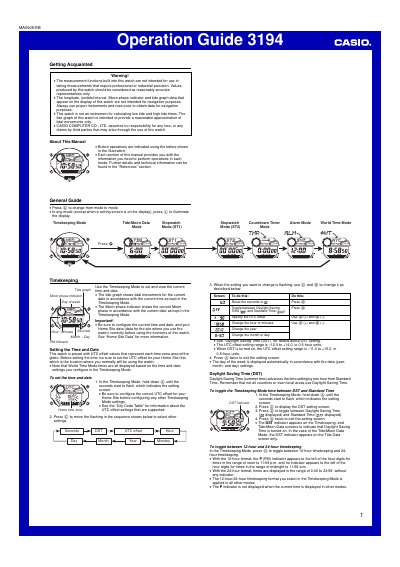
This document serves as an Operation Guide for the Casio 3194MA0905-EB watch. It details how to configure settings such as UTC offset, longitude, and lunitidal interval to ensure accurate display of timekeeping, world time, and tide/moon data. The guide also explains the functionality of various modes including alarms, countdown timers, and stopwatches.
| Countdown Timer Range | one minute to 24 hours |
|---|---|
| Stopwatch Display Range | 999 hours, 59 minutes, 59.99 seconds |
| Longitude Value Range | 0 ° to 180 ° in 1-degree units |
| UTC Offset Range (Standard) | -12.0 to +14.0 |
With Auto-Start, the watch performs a 5-second countdown before starting the stopwatch operation automatically when the countdown reaches zero.
Exiting the mode clears the split time and returns to elapsed time measurement.