
User guide for Carrier's Infinity™ Control smart thermostat, covering setup, operation, scheduling, and maintenance.
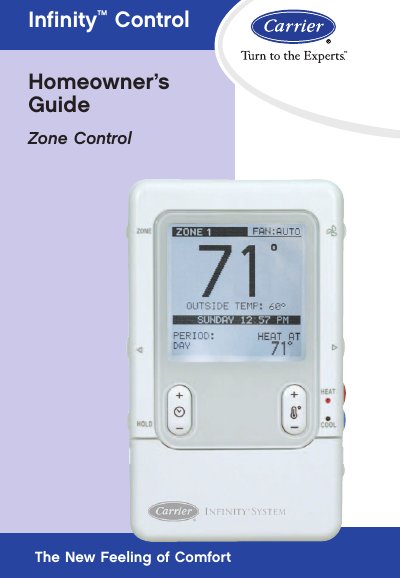
This manual explains how to set up and operate the Carrier Infinity™ Control thermostat. It covers basic functions like adjusting temperature, fan speed, and scheduling comfort settings. It also includes instructions for advanced features such as vacation and unoccupied modes, accessory maintenance, and system status checks.
The device features an intuitive interface with buttons for zone control, temperature adjustment, and system settings. Users can program daily, weekly, or custom schedules, and adjust humidity levels for heating and cooling. Maintenance reminders appear via pop-up messages for accessories and service. This manual is written in Chinese.
| Display | LCD screen |
|---|---|
| Fan Speed Settings | Auto, Low, Medium, High |
| Temperature Control | Adjustable via TEMP (+\-) button |
Flip down the door at the base, press the BASIC button, adjust the hour and minute using the TIME (+\-) button, then set the day and humidity using the SCROLL button and respective buttons.
The HOLD button overrides the schedule indefinitely or activates the unoccupied comfort settings.