
This manual outlines the features and functionality of Infinity System Control Series B and Series C
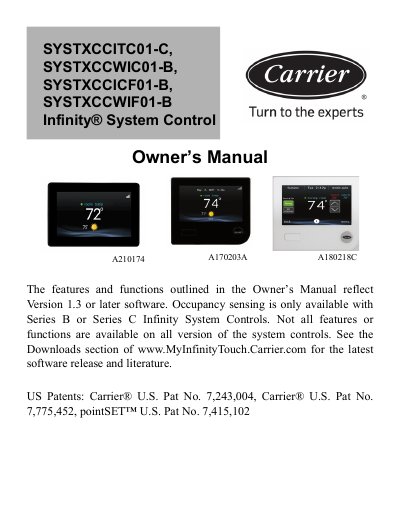
This is the Owner's Manual for the Carrier Infinity System Control, covering the models SYSTXCCITC01-C, SYSTXCCWIC01-B, SYSTXCCICF01-B and SYSTXCCWIF01-B (A210174 A170203A A180218C). The manual describes the features and functions that reflect Version 1.3 or later software, and notes that occupancy sensing is only available with Series B or Series C Infinity System Controls. It is Catalog No. OM-SYSTXCCITC-08, edition date 09/21.
The guide walks through the Home Screen and Main Screen, including the information displayed, occupancy status and Wi-Fi connectivity status. It then covers system mode selection, temperature and comfort activity adjustments, comfort profiles with humidity and fresh air control, schedules for Series B, vacation, reminders, operating status, display settings, energy tracking, time and date, service information and software updates, photo upload, zone names, wireless setup, weather, sensors, utility demand event response setup, and FCC/Industry Canada statement information.
| Software version | Version 1.3 or later |
|---|---|
| System modes | AUTO, HEAT, COOL, FAN ONLY and OFF |
| FCC compliance | Part 15 of the FCC Rules |
| RF exposure separation distance | At least 20 cm from all persons |
The MODE drop-down menu lets you choose between AUTO, HEAT, COOL, FAN ONLY and OFF, depending on the equipment installed in your system.
Touch anywhere on the Home Screen and you will arrive at the Main Screen.
The indicator stays gray when no movement is detected, turns blue when movement is detected but the space is not yet determined to be occupied, and turns green when the system determines the space is occupied.
The manual describes updating software using a Micro SD card for Series B and updating software using Wi-Fi.