
User manual for the Brady M610 portable thermal transfer label printer, covering setup, label creation, printing, maintenance, and troubleshooting.
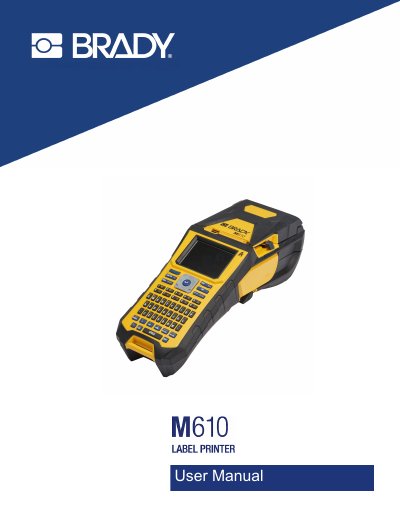
This user manual describes the Brady M610 Label Printer, a portable thermal transfer label printer with a 300 dpi print mechanism, a removable 2700 mAh lithium ion battery, and a maximum print width of 2.0 inches (51 mm). It covers the printer's specifications, setup, power options (AC adapter and battery), printer settings, and connection via Bluetooth or USB.
The manual explains how to load ribbon and label supplies, create and edit labels on the printer (text, symbols, graphics, barcodes, Data Matrix and QR codes, serialization, and data lists), print and preview labels, work with label types such as wire markers, flags, terminal block and face plate labels, manage files, perform maintenance including firmware upgrades and cleaning, and troubleshoot error messages and print quality issues. Appendices cover keyboards, IME input for Asian text, symbols, licensing, and regulatory compliance.
| Weight | 3.10 lb (1.41 kg) with battery pack |
|---|---|
| Print mechanism | Thermal transfer, 300 dpi |
| Battery | Removable lithium ion, 2700 mAh |
| Maximum label width | 2.0 inches (51 mm) |
| Maximum print length | 40" (990.6 mm) |
| Battery yield | Up to 4,500 1" x 2" labels per charge |
| Dimensions | 13.0" L x 4.3" W x 4.2" H (330 x 110 x 107 mm) |
| Operating temperature | 0° to 115° F (-18° to 46° C) |
| Bluetooth proximity range | 65 ft (19.8 m) |
The M610 should be within 65 ft (19.8 m) of the device to pick up the Bluetooth signal. Bluetooth is an optional feature that a site may not have chosen.
You can register your printer at bradycorp.com/register.
Only use the power source indicated on the rating label and only the power cord that comes with the unit.