
The M210/M210-LAB User Manual describes the features and characteristics of the M210 Label Printer and the M210-LAB Label Printer.
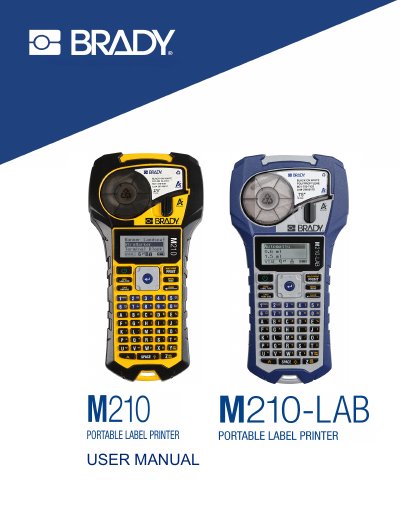
The BRADY M210 and M210-LAB label printers are rugged, highly mobile devices designed for printing on continuous and pre-sized materials in rigorous job sites. The M210-LAB variant is specifically intended for laboratory environments, offering label types tailored for laboratory functions, while the standard M210 includes additional templates. Both models support label widths from 0.25 to 0.75 inches and can print up to 100 labels per day.
| Print Resolution | 203 DPI |
|---|---|
| Maximum Label Width | 0.75-inch (19.1 mm) |
| Maximum Characters | 50 |
| Battery Life (AA) | 1,800 1/2-inch x 2-inch labels |
| Weight | 1.66 lbs (0.753 kg) |
| Dimensions | 243.84 x 63.5 x 124.46 mm |
The M210-LAB is intended for laboratory environments and presents only label types for laboratory functions, whereas the M210 includes templates for general use.
Yes, the printer can be powered through 6 AA alkaline batteries, which provide a minimum of 1,800 2-inch long labels.
The printer supports label widths from 0.25 to 0.75 inches (6.35mm - 19.1mm).