
This is a BradyPrinter i3300 user manual.
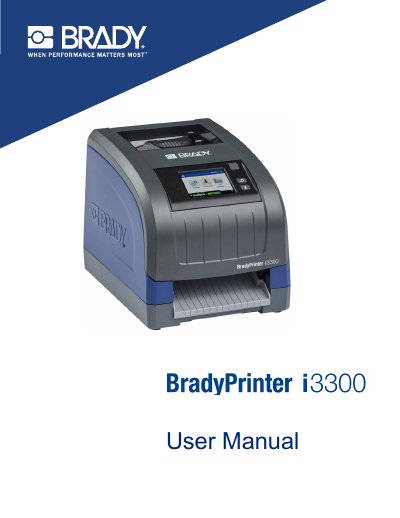
This manual provides step-by-step instructions for setting up, operating, and maintaining the BradyPrinter i3300 ii. It covers installing supplies, configuring network and USB connections, printing labels, cleaning components, and troubleshooting common issues. Safety precautions and warranty information are also included.
The printer supports ZPL, jScript, DPL, and BPL commands and is compatible with Brady Workstation software. It features a color touch screen, 300 DPI print resolution, and automatic cutting. Supported label widths range from 0.25 in. to 4 in., with maximum length of 60 in. for continuous labels.
| Weight | 11.5 lbs (5.2 kg) |
|---|---|
| Dimensions (stored) | 9 in. x 12.0 in. x 9.5 in. (22.9 cm x 30.5 cm x 24.1 cm) |
| Operating Temperature | 50 - 104°F (10-40°C) |
| Print Resolution | 300 dpi |
| Output label size | 0.25 in. to 4 in. (6.4 mm to 101.6 mm) |
| Maximum label length (continuous) | 60 in. (1.5 m) |
| Voltage | 100-240 VAC 50/60 Hz, 2A |
The print resolution is 300 dpi.
Supported formats are Windows metafile (*.wmf), Bitmap (*.bmp), JPG file (*.jpg), Graphic Interchange Format (*.gif), and Portable Network Graphics (*.png).
The maximum label length is 60 in. (1.5 m).
The printer is compatible with Brady® Workstation desktop software. For other software, refer to its documentation.