
BradyPrinter i5100 user manual, introduces the features and characteristics of the product, including connecting the printer, printing modes, loading media, printing, cleaning and maintenance, troubleshooting, etc.
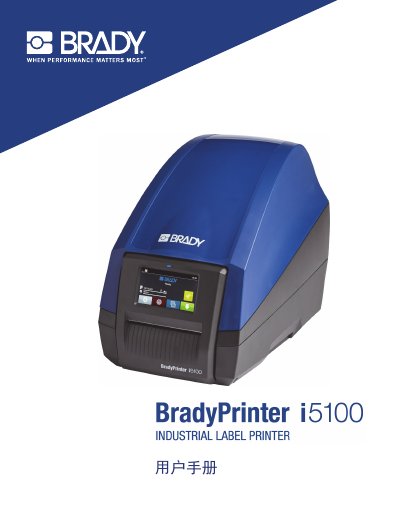
The BradyPrinter i5100 is an industrial label printer designed for use with LabelMark or Brady Workstation software. It supports IP printing for materials between 1.1 inches and 4 inches wide and features a touchscreen interface for navigation and settings. The device operates on a voltage configuration of 100 to 240 V ~ at 50 to 60 Hz. This manual is written in Chinese.
| Voltage Configuration | 100 to 240 V ~, 50 to 60 Hz |
|---|---|
| Maximum Sound Pressure Level | Less than 70 dB(A) |
| Compatible Software | LabelMark or Brady Workstation |
| IP Printing Material Width | 1.1 inches (28 mm) to 4 inches (101.6 mm) |
The printer is compatible with LabelMark or Brady Workstation software.
The printer should only be used in a dry environment and not exposed to moisture.
Only personnel who are properly trained and qualified should repair the BradyPrinter i5100.