
BIXOLON SPP-L3000 mobile label printer installation guide for battery, paper, charging, control panel, self-test, peripherals, cleaning, and safety.
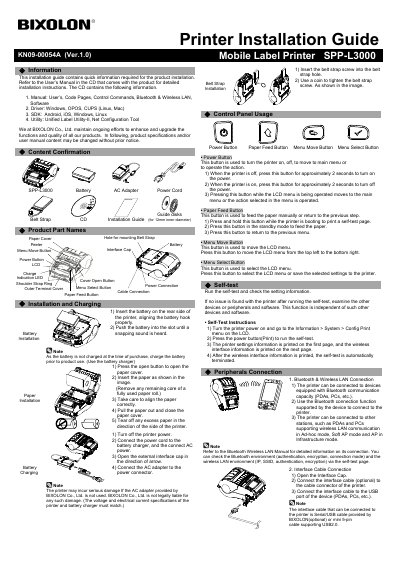
This BIXOLON SPP-L3000 installation guide provides quick information for installing the mobile label printer. It covers battery installation, paper roll installation, battery charging, belt strap installation, control panel operation, self-test, and peripheral connections such as Bluetooth, wireless LAN, and interface cables.
The package includes the SPP-L3000 printer, battery, AC adapter, power cord, belt strap, CD, installation guide, and guide disks. The guide also lists printing specifications, paper requirements, cleaning instructions, battery safety precautions, and general safety warnings for the printer.
| Printing Method | Thermal printing |
|---|---|
| Printing Speed | Up to 5 ips |
| Resolution | 203 dpi |
| Paper Diameter | Max. Ø66 mm (2.60”) |
| Paper Width | 25~80mm (0.99”~3.15”) |
| Paper Thickness | 0.07~0.15 mm |
Insert the battery on the rear side of the printer, aligning the battery hook properly, then push it into the slot until a snapping sound is heard.
Turn off the printer power, connect the power cord to the battery charger and AC power, open the external interface cap, and connect the AC adapter to the power connector.
It supports label paper and linerless paper using thermal paper.
Turn the printer power on, go to Information > System > Config Print on the LCD, and press the power button.