
This manual provides installation, usage instructions, safety precautions, and maintenance guidelines for the Bixolon SPP-R200 mobile printer.
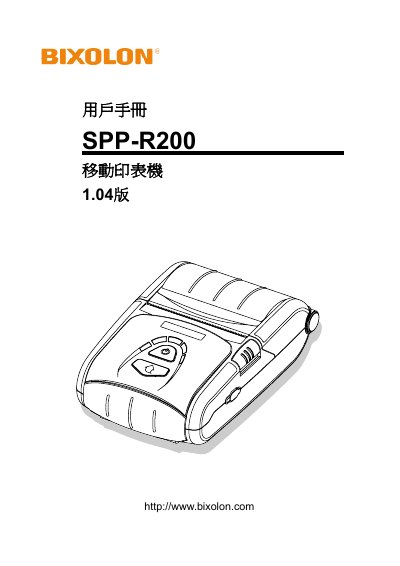
The Bixolon SPP-R200 is a mobile printer designed for use with various PDA devices. This user manual covers product component identification, detailed installation steps including battery and paper roll setup, and instructions for using the control panel and card reader.
The guide also explains how to perform self-tests, configure label printing functions such as automatic calibration, and connect peripheral equipment via USB or interface cables. Additionally, it provides procedures for cleaning the printer and lists technical specifications. This manual is written in Chinese.
No, users should not attempt to disassemble or modify the printer; they must contact a dealer for such services.
You must unplug the printer immediately, turn it off, and contact a dealer for repair after the smoke disappears.
You must turn off the printer, unplug it, and then contact a dealer.
You must dry or wipe the plug clean before use.