
This document is the user manual for SPP-R300 mobile printer, which provides instructions on installation and usage of the product, including battery installation, charging, paper roll installation, strap usage, etc.
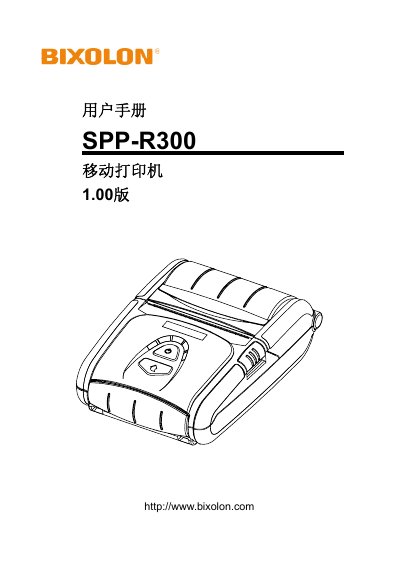
This manual covers all aspects of using the SPP‑R300 mobile printer, including a parts list, battery installation and charging, paper roll loading, optional accessories such as belts, cases, shoulder straps and car‑cigarette‑lighter chargers, and detailed instructions for the control panel and card‑reader functions. It also explains the label‑printing feature, Bluetooth and Wi‑Fi connectivity, external USB/Serial cable connections, and routine cleaning procedures.
Safety precautions are emphasized throughout, with specific warnings about battery handling, proper charger use, temperature limits, and storage. The appendix provides full technical specifications, certification information, and supported label types. This manual is written in Chinese.
| Print speed | 100 mm/s |
|---|---|
| Resolution | 203 DPI |
| Paper width | 79.5 ± 0.5 mm |
| Battery capacity | 2600 mAh |
| Communication interfaces | Serial, USB, Bluetooth Class 2, Wi‑Fi 802.11 b/g |
Use only the charger supplied with the package; other chargers are prohibited.
Charging: 0 °C – 40 °C; operation: –20 °C – 60 °C; storage: –20 °C – 60 °C (30 days).
Yes, the printer can pair with devices that have Bluetooth, such as PDAs or PCs.