
SRP-370 thermal printer user manual, introduces the features and characteristics of the product, such as safety use, product specifications, installation and use, daily maintenance, etc.
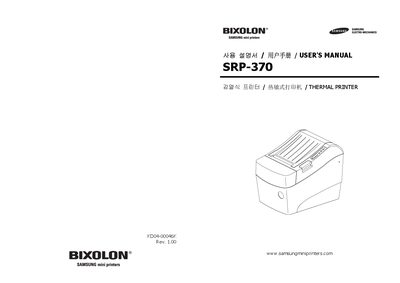
This manual explains safe handling of the SRP-370 thermal printer, including warnings about power connections, moisture, and proper use to avoid fire or electric shock. It also describes the printer’s main features such as high‑speed line printing, barcode support, and optional accessories.
Installation guidance covers unpacking, connector checks, connecting to a computer, cash drawer, and power supply. Subsequent sections detail basic operation, switch settings, memory switches, self‑test, and maintenance procedures such as cleaning the print head and replacing paper. This manual is written in Korean.
| Printing method | Thermal line printing |
|---|---|
| Dot density | 180 × 180 dpi (7 dots/mm) |
| Printing width | 57.5 mm (± 0.2 mm) |
| Paper width | 58 mm, 80 mm, 82.5 mm |
| Printing speed (mono) | 47 lines/sec (1/6" feed) |
| Input voltage | 100 ~ 240 VAC |
| Output voltage | +24 VDC |
| Operating temperature | 0 ~ 45 °C |
| Operating humidity | 30 ~ 80 % RH |
The printer provides a Parallel port by default; connect a parallel cable to the printer’s PARALLEL connector and the computer’s printer port, ensuring both devices are powered off during connection.
The printer can produce 47 lines per second in monochrome mode at 180 dpi (1/6" feed).
The printer accepts paper widths of 58 mm, 80 mm, and 82.5 mm.