
AVer CAM570 camera user manual covering package contents, connections, installation, web interface, PTZ control, PTZApp 2, audio settings, and EZLive.
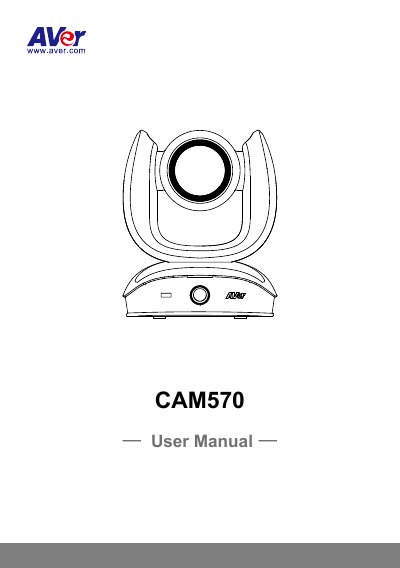
AVer CAM570 is a camera with pan, tilt, and zoom functions. This user manual covers its package contents, parts, LED indicator, remote control, connection options, installation, and initial use.
It also describes the web interface, PTZ control and presets, tracking mode, gesture control, video format, network and system settings, PTZApp 2, audio settings, and EZLive functions.
| PoE port compatibility | IEEE 802.3at |
|---|---|
| Built-in microphone array use | Audio tracking only; not a video conference audio source |
| Included USB cable | USB 3.1 Type-B to Type-A, 3 m |
| Included HDMI cable | 3 m |
The package includes the CAM570, power adapter and power plug, remote control, batteries (US only), USB 3.1 cable, RS-232 adapter cable, HDMI cable, wall mount brackets and screws, and tripod screws.
Solid red indicates start-up, solid orange indicates standby, solid blue indicates video on, and flashing blue indicates gesture control activity.
EZLive can help with camera ePTZ, speaker volume control, still image capture, video recording, livestreaming, zoom, PC screen capture and recording, livestream setup, file management, livestream settings, and drawing.
The PoE port is compatible with IEEE 802.3at.