
AVer AVerVision M5 document camera quick start guide covering package contents, setup, specifications, and safety warnings.
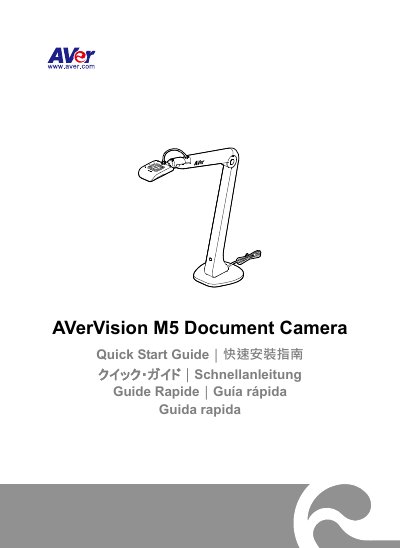
AVer's AVerVision M5 document camera quick start guide provides setup information for the M5 unit. It lists the package contents, optional carrying bag and anti-glare sheet, connection to a PC or laptop, and links to AVerTouch software, FAQ, and training videos.
The guide explains the camera head and body angle limits, unfolding the camera, and the A3-size shooting area at 350 mm height. It also lists specifications such as a 1/3.2-inch CMOS sensor, 8-megapixel pixel count, USB 2.0 power, 16X digital zoom via software, built-in mic, LED lamp, and 0.78 kg net weight, followed by warnings and contact information.
| Image Sensor | 1/3.2” CMOS |
|---|---|
| Pixel Count | 8 megapixels |
| Frame Rate | Max. 60fps at 1920x1080; max. 15fps at 3264x2448 |
| Output Resolution | 3264x2448, 1920x1080, 1280x1024, 1280x720, 1024x768, 800x600, 640x480, 640x360, 320x240, 320x184, 320x180 |
| Focus | Auto (button)/Manual (via software) |
| Shooting Area | Larger than A3, 420mm x 315mm |
| Zoom | 16X digital zoom (via software) |
| Power Source | USB 2.0, 5V/0.5 A |
| Net Weight | 0.78kg (1.72lbs) |
| Software | AVerTouch |
The package contents list the M5 unit and a warranty card, with a carrying bag and anti-glare sheet as optional accessories.
The M5 uses USB 2.0 power at 5V/0.5 A.
The specification lists a shooting area larger than A3, 420mm x 315mm.
The listed software is AVerTouch.