
AVer Document Camera Setup Guide

Step-by-step instructions for setting up AVer document cameras including software installation and USB/wireless connections.
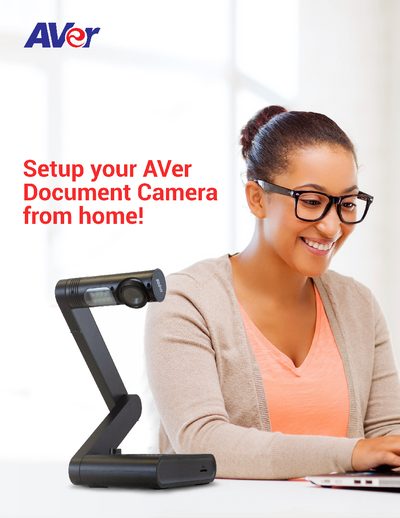

AVer Document Camera Setup Guide - cover page
Brand
AVer
Category
Other Electronics
Document type
User Manual
Language
English
Pages
12
File format
PDF
File size
4 MB
Published
14 October, 2026
Updated
14 October, 2026
MD5 checksum
9AF24CAFA1993E3A0165E3618F77C902

About this manual

This guide provides step-by-step instructions for setting up various AVer document camera models from home. It details the specific software required based on the model, such as A+ Suite, Sphere Lite, AVerTouch, or A+ Interactive Software, depending on whether you are using Windows, Mac, or Chromebook.

What's inside

  • Software Selection
  • A+ Suite Installation
  • Sphere Lite Setup
  • AVerTouch Configuration
  • A+ Interactive Software
  • Sphere Software
  • USB Connection Steps
  • Wireless Connection Notes

Frequently asked questions

Which software is used for AVer U70+ and M70HD models?

Use A+ Suite (Sphere2 on Win10/Mac) or Sphere Lite for Chromebooks.

Which software is used for AVer M15W and M70W models?

Use the AVerTouch software.

Are all AVer document cameras compatible with Zoom and Skype?

No, models such as F50, M70, PL50, W30, W30HD, Tabcam, 355AF, and M50 are not UVC compliant.

Download PDF (4 MB)

More AVer Manuals


View all AVer manuals →