
Step‑by‑step installation guide with mounting, network setup, power options and technical specs for AVer Rugged Bullet IP cameras.
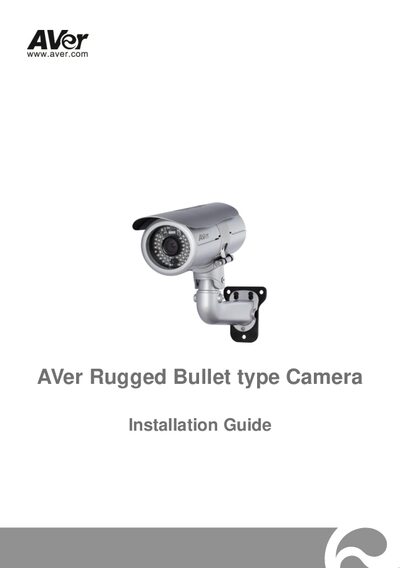
This Installation Guide walks you through unpacking, safety precautions, and the complete installation process for AVer Rugged Bullet IP cameras. It includes package contents, optional accessories, and detailed diagrams for internal connections and I/O terminals.
The guide covers mounting the camera on a wall, configuring Ethernet or PoE network connections, powering the unit via 12 V DC adapter or PoE, and provides full technical specifications such as lens type, illumination, resolution and environmental ratings.
| Lens type | Vari‑focal Lens (Board mount, M19) |
|---|---|
| Iris type | DC Iris |
| Minimum illumination | 0.2 Lux (day mode, IR off) |
| IR distance | 30 m |
| Video compression | H.264 / MPEG‑4 / MJPEG |
| Maximum resolution | 1920 × 1080 |
| Power input | 12 V / 4 A DC |
| IP rating | IP68 |
| Net weight | 2180 g |
The camera can be powered by a 12 V DC adapter (4 A) or via Power over Ethernet (PoE).
Use the supplied sun‑shield bolts, place the alignment sticker, drill the indicated holes, insert plastic anchors, secure the mounting bracket, and attach the camera with the hex‑socket cap bolt.
The camera needs a minimum illumination of 0.2 Lux in day mode (IR off).
The camera is rated IP68 for dust and water protection.