
The AVer CAM5 20 Pro user manual provides setup, operation, and configuration instructions for the PTZ camera.
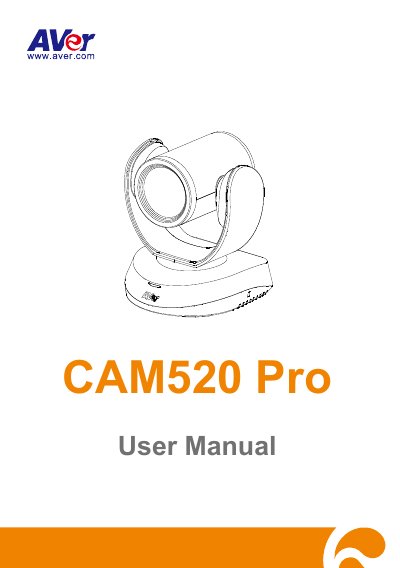
This manual covers everything needed to install and operate the AVer CAM5 20 Pro camera, including hardware connections, remote‑control functions, and software integration. It begins with product introduction, safety warnings, and a detailed table of contents that guides users through each feature.
Later sections describe network and video settings, SmartFrame functions, preset positions, and troubleshooting steps such as factory reset and password changes. The document also includes instructions for installing the AVer EZLive software for video calls and live streaming.
| HDMI output resolution | 480P/60 Auto, 1080P/60, 1080P/30, 1080P/50, 720P/60, 720P/50 |
|---|---|
| Power input | DC 12V power plug |
| USB port | USB3.1 Type B |
| Ethernet port | Standard LAN (PoE+ on advanced model) |
Select System → Factory Default, then choose Reset and confirm to restore the camera to its factory defaults.
The default password is “aver4321”. Change it via System → Reset WEB Access Password.
Download EZLive from the AVer download center, double‑click the installer, and follow the on‑screen instructions.
Open System → Information to view Model Name, Firmware Version, Serial Number, IP Address, MAC Address, and Time.