
A guide for installing and configuring AMD RAID functionality on ASRock motherboards via BIOS and Windows environments.
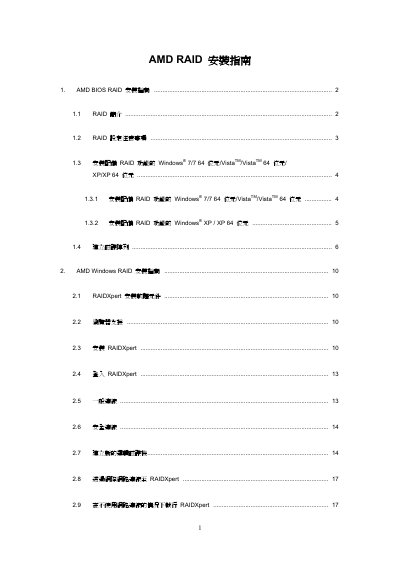
This document provides instructions for setting up AMD RAID arrays using the FastBuild BIOS utility. It covers creating a SATA3 driver diskette, entering the BIOS Setup to configure storage modes, and utilizing the RAID Option ROM utility to define logical drives.
The guide details procedures for installing Windows operating systems (XP, Vista, 7) on RAID volumes, including specific steps for loading drivers during installation. Additionally, it explains how to create new logical drives using various RAID levels such as RAID 0, RAID 1, RAID 5, and RAID 10. This manual is written in Chinese.
The guide supports installing Windows XP, Vista, and Windows 7 (including 64-bit versions) on RAID volumes.
You should press the key to enter the BIOS Setup after the POST screen appears.
The utility supports defining logical drives with RAID 0, RAID 1, RAID 5, and RAID 10 levels.