
This manual provides installation, operation, and troubleshooting instructions for the Apex CS-64U USB KVM switch, which allows control of four computers…
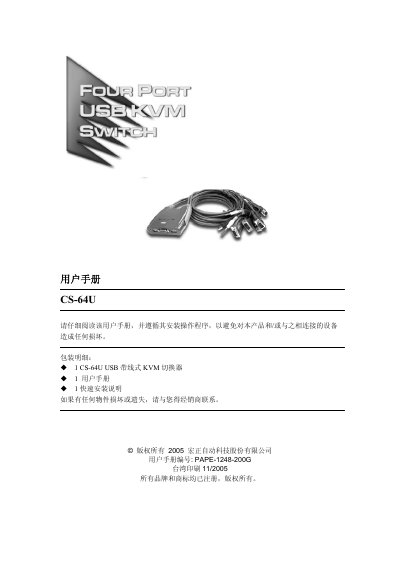
The Apex CS-64U is a compact USB-based KVM switch designed to allow one set of peripherals (keyboard, mouse, and monitor) to control up to four different hosts. It features built-in cables for each port, eliminating the need for external cabling, and supports hot-swapping without shutting down the device. This manual is written in Chinese.
| Number of Ports | 4 |
|---|---|
| USB Connection Type | 4 x A-type (Male) |
| VGA Connection Type | 4 x HDB-15 (Male) |
| Audio Connector | 3.5mm Mini Jack |
| Maximum Resolution | 2048 x 1536 @ 60Hz |
| Power Consumption | DC 5V, 2W |
Press the Scroll Lock key twice to begin switching. Use combinations like [Scroll Lock] [Enter] for direct switching.
Press [Scroll Lock], then [A], then [Enter]. The switch will cycle through ports every 5 seconds by default.
A blinking LED indicates that the port is connected to the current host and is in auto-scan mode.